Description
Proof Prints of Your Art on Our Premium Papers
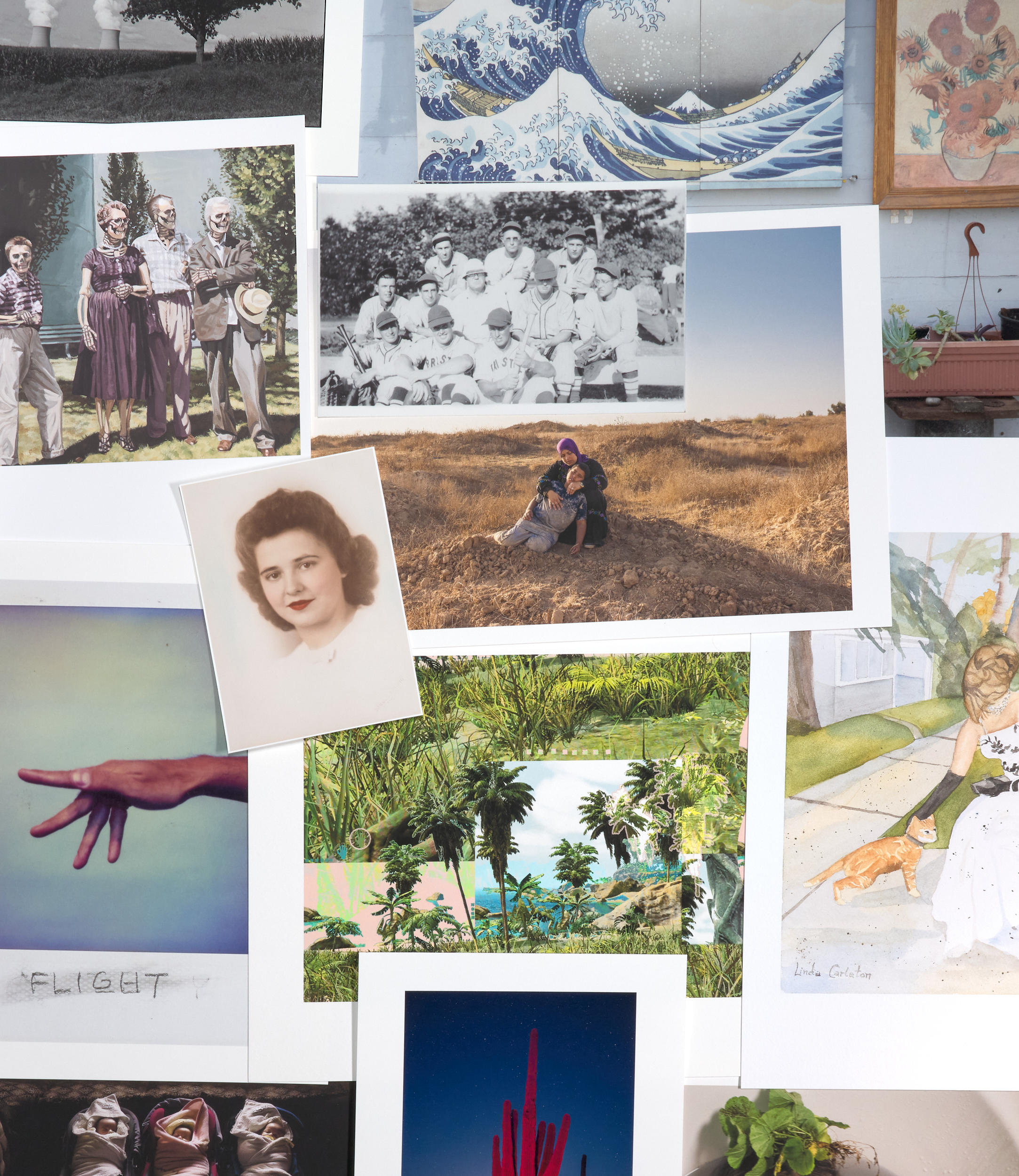
We get it, looking at somebody else’s picture on a particular paper is not the same as seeing yours on that paper. You need to see the details, how color the color displays, what happens in the shadows and feel the paper in your hands. We’re just like you, we need that too! Demo any of our papers. See and feel what happens to your art when it’s printed on a baryta surface, a cold pressed watercolor paper, a hot pressed etching paper or a Japanese washi.
Quick Look: Best Printing Results with Jason Houge Studios
Setting your files up for success can be difficult if you are unfamiliar with the software or what is needed to get the best experience.
Below are our minimum recommendations. If you need help editing for print, please see our post processing and digital retouching service.
Best Results: Proof Printing Without Edits or Cropping
When printing with us, we recommend the following for the best results:
- File Type: .tif or .tiff
- Color Space: AdobeRGB [Color] or Grey Gamma 2.2 [B&W]
- Color Depth: 16 bit
- Dimension: 10 inches [long side] minimum for proofs; otherwise dimensions should meet or exceed the largest prints you intend to make. We’ll resize as needed to meet the needs of our clients
- ppi: 360ppi minimum
- Do not add a white border
About our printers
We use Epson Commercial Printers paired with UltraChrome HD pigment inks. All papers are custom profiled for our printers to ensure unmatched quality.
Certified Printing and Fine Art Reproduction Partner
We are certified by Canson Infinity and Moab Paper for our premium quality and services.
Is Your Work Print Ready?
Prerequisites and Important File Information
We can and will print from a variety of file types and resolutions. See above for our recommendations to get the best results. The following information is intended to be a guide that result in a good print.
- Files should be saved 300 dpi or higher.
- Files need to be saved in a required file type and bit depth (see below).
- Do Not include a white border in your image file. With it, we cannot print to your specifications.
- Files should be dimensionally equal to or larger than the final print.
We will scale your images to the desired size at the time of print. - Please note, we scale and charge based on the mathematical ratio. (A 35mm full frame photo cannot be printed 8×10 without significant cropping.) We’re working on a tool to help visualize this. It will be released once it is ready.
Color Profiles and Grayscale Profiles
We will print from files saved in the following profiles:
See FAQs tab for more details
- .jpg, .jpeg, .tif, .tiff, .psd, .af
- .pdf (for color separation only)
- 8 bit and 16 bit P3
- 8 bit and 16 bit sRGB
- 8 bit and 16 bit AdobeRGB
- 8 bit and 16 bit ProPhoto RGB
- 8 bit and 16 bit Gray Gamma 2.2
- 8 bit and 16 bit Gray Gamma 1.8
- 8 bit and 16 bit Dot Grain 15%, 20%, 25%
Resolution
The matter of optimal digital image resolution is a complicated one. There are a variety of factors that impact resolution minimum requirements. The greatest factors include: substrate surface [e.g. matte paper, glossy paper, washi, aluminum, canvas] and viewing distance. With large scale prints viewing distance matters most because of the physical limitations of human vision.
The following are common resolutions we’ve encountered and how they may impact the final print.
ppi = pixels per inch | dpi = dots per inch | Digital images, as viewed on screen, are saved in ppi. Printed images, in physical form, are printed in dpi.
- 72 ppi; Most commonly seen with photos made with a phone. May be limited to smaller print sizes, see FAQs tab.
- 100 ppi; Most often seen in early digital art and photography. May be limited to smaller print sizes, see FAQs tab.
- 300 ppi; Common advised minimum print resolution. Generally good outcome.
- 600 ppi (or greater); May result in more defined details, offers greater range for scalability.
Need help getting your files ready?
Visit our post processing and RAW editing service for more details on how we can help.
Archival Pigment or Gicleé Printing – What’s the difference?
The term Gicleé was coined in the 1990’s as a means to describe the emerging form of fine-art printing using InkJet printer technology. At the time, these printers utilized dye-based inks that were prone to early fading and washing out when exposed to humidity and moisture. With the introduction of better technology in recent years, the term gicleé has fallen out of favor by most artists and collectors. However, it is still commonly used to refer to older prints and those made on equipment utilizing dye-based inks.
Jason Houge Studios uses the latest technology and pigment-based inks formulated for long-term archivability and enjoyment. The contemporary term most commonly used to describe a prints made with pigment inks is now “Archival Pigment Print.” These contemporary prints, are lightfast, will not wash out in water and have the added benefits of increased vibrancy and extreme color accuracy.